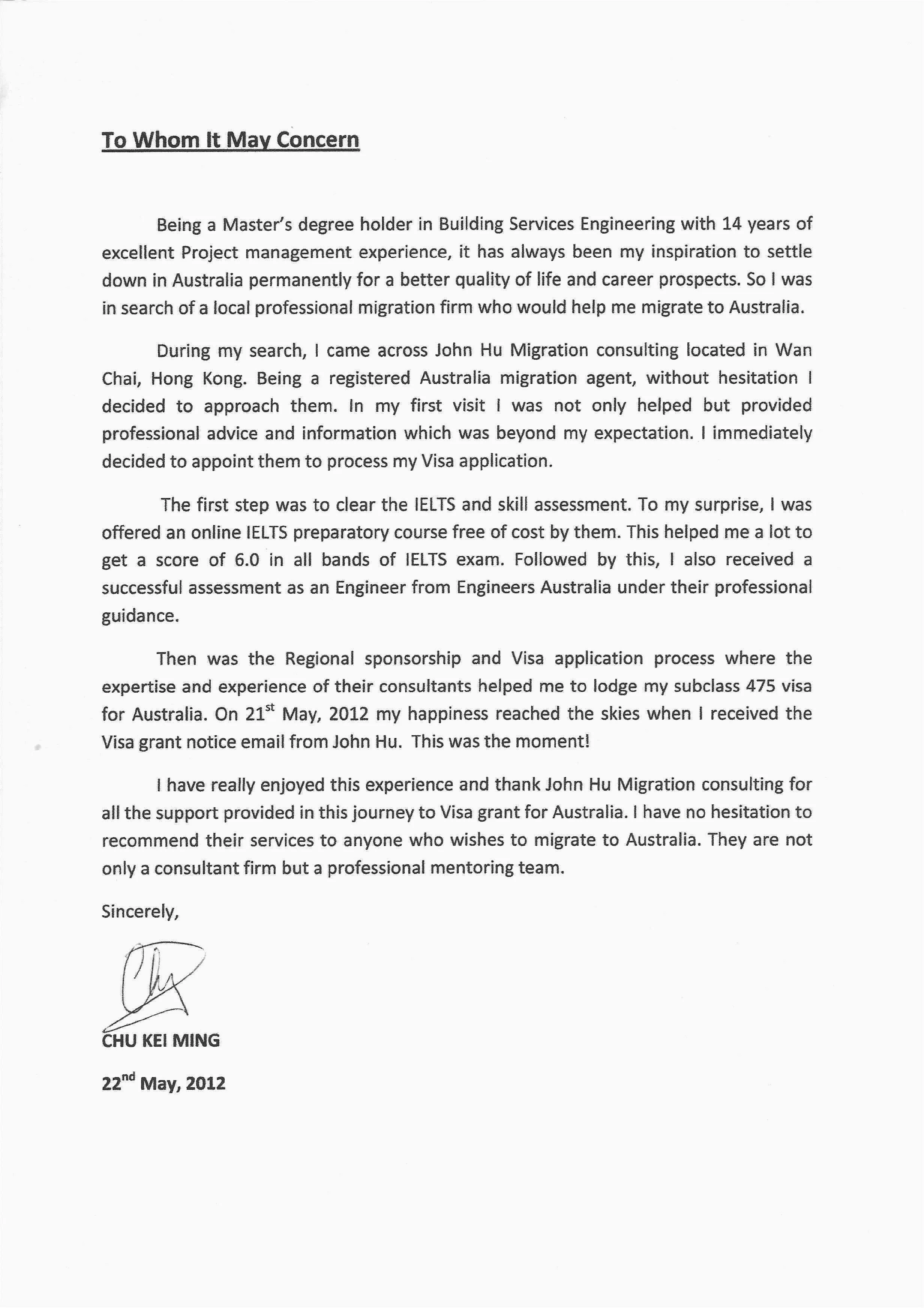
Understanding Cover Letter Emails
In the digital age, the way we apply for jobs has evolved significantly. One of the most common methods is submitting your cover letter and resume via email. Understanding how to effectively craft and send a cover letter email is crucial for making a strong first impression on potential employers. This guide will walk you through the essential steps of writing a compelling cover letter email, ensuring your application stands out from the competition and increases your chances of landing an interview. From the subject line to the closing, every element plays a role in communicating your professionalism and suitability for the role. Learning to adapt your cover letter format for the email medium is a critical skill for any job seeker hoping to succeed in today’s competitive market. Mastering this skill will improve your chances to be notice.
Why Use a Cover Letter Email?
Emailing your cover letter is often the preferred method for submitting job applications. Many companies request or accept applications via email, making it a convenient and efficient way to connect with potential employers. Email allows for quick and direct communication, enabling you to send your application materials instantly. The speed of email allows you to apply for positions as soon as they become available, giving you a competitive edge. Furthermore, emailing your cover letter showcases your tech-savviness and your ability to adapt to modern workplace practices. It also reduces the need for physical mail, saving time and resources for both the applicant and the employer, contributing to a more streamlined hiring process.
Key Benefits of Emailing Your Cover Letter

There are several advantages to using email. First, it offers instant delivery, allowing you to reach the hiring manager immediately. Second, it’s a cost-effective solution, eliminating postage fees. Third, it’s a versatile format, enabling you to attach various file types such as PDFs. Fourth, it promotes organization, with your application materials neatly stored in the recipient’s inbox. Lastly, email applications often result in quicker feedback, as employers can easily review and respond to your application.
Crafting the Perfect Subject Line
The subject line is the first element a hiring manager sees, making it a critical factor in whether your email gets opened. A well-crafted subject line should be clear, concise, and professional. It must instantly communicate the purpose of your email. Think of it as the headline of your application. A weak subject line may lead the recipient to overlook your application, while a compelling one piques their interest and encourages them to read further. It is important to use a subject line that is specific to the job you are applying for and avoids generic phrases. Make sure to include the job title or the position you are applying for to make it easy for the recipient to identify the purpose of your email. Avoid slang, jargon, or unprofessional language. The subject line is not the place for creativity.
Best Practices for Subject Lines
Follow these best practices to create a compelling subject line. First, always include the job title. Second, specify the position, department, and job ID if applicable. Third, keep it concise, preferably under 60 characters. Fourth, avoid ambiguity. Fifth, tailor it to the specific job. Sixth, use keywords from the job description. Finally, be professional and avoid casual language.
Subject Line Examples

Here are some examples of effective subject lines.
- Application for Marketing Manager Position
- Resume Submission – Software Engineer
- Job Application – Project Manager – [Your Name]
- [Your Name] – Application for Customer Service Representative
These subject lines are clear, specific, and immediately identify the purpose of the email. Using a specific subject line helps the hiring manager quickly understand what the email is about, leading to a more efficient review process.
Formatting Your Cover Letter Email Body
The body of your email is where you make your first direct impression on the hiring manager. It should be professional, concise, and tailored to the job you’re applying for. Think of it as a brief introduction to your cover letter and resume. The formatting is essential as it sets the tone for your application and ensures the reader can easily understand your message. This section should summarize your qualifications and express your enthusiasm for the role while maintaining a professional and respectful tone. Your writing style should be clear and easy to read. The goal is to provide a brief overview of who you are and what you bring to the table without overwhelming the reader with too much detail.
Proper Salutations and Greetings
Start your email with a professional salutation. If you know the hiring manager’s name, use “Dear Mr./Ms./Mx. [Last Name]”. If you don’t know the name, “Dear Hiring Manager” or “Dear [Company Name] Hiring Team” are acceptable alternatives. Avoid overly casual greetings like “Hi” or “Hey”. Always use formal and respectful language in the greeting to establish a positive first impression and reflect your attention to detail. Ensuring you have the correct spelling and title of the recipient will demonstrate your professionalism and respect.
Writing the Body of Your Email

The body of your email should be brief and focused. Begin by stating the position you’re applying for and where you found the job posting. In one or two sentences, highlight why you’re interested in the role and the company. Briefly mention your key qualifications and experiences that align with the job requirements. Express your enthusiasm for the opportunity and how your skills and experience can benefit the company. Keep the tone professional and enthusiastic, showing your genuine interest in the position. Always tailor the content to match the specific requirements of the job and the values of the company. Conclude by directing the reader to your attached cover letter and resume for more details.
Email Closing and Sign-off
Close your email with a professional sign-off. Use phrases like “Sincerely,” “Best regards,” or “Thank you for your consideration.” Avoid casual closings such as “Cheers” or “Best”. Follow your sign-off with your full name. Include your contact information, such as your phone number and email address, for easy access. The closing and sign-off should reflect the same professional tone as the rest of your email and confirm your contact details, facilitating a quick response from the employer. Ensuring these elements are correct helps to create a positive impression and facilitates easy contact.
Attaching Your Cover Letter and Resume
Attaching your cover letter and resume correctly is crucial for presenting a professional application. The attachments are where you provide detailed information about your qualifications. Therefore, the way you format, name, and send these files can significantly impact how your application is perceived. Make sure your attachments are easy to open and view, using common and standard file formats. Clear file naming and professional presentation ensure the hiring manager can easily access and review your application materials, increasing your chances of getting noticed. It’s essential to keep the file sizes reasonable to avoid potential issues with email servers.
File Format Recommendations

Use PDF format for your cover letter and resume. PDFs preserve the formatting, ensuring your documents look the same regardless of the recipient’s device or operating system. Avoid sending documents in formats like .doc or .docx, which can have compatibility issues or display incorrectly on different systems. PDFs are widely compatible, making it easy for employers to open and review your application materials without any hassle. Save your documents as PDFs before sending them to preserve the formatting and ensure they are consistent across different platforms.
Naming Your Files
Name your files clearly and professionally. Use a format like “Your Name_Cover Letter.pdf” and “Your Name_Resume.pdf”. This helps the hiring manager easily identify each document and keep your application organized. Avoid generic file names like “coverletter.pdf” or “resume.pdf”, as these can be confusing and make it harder to manage multiple applications. Use a consistent and professional naming convention to clearly indicate what each file contains and who it belongs to. Clear file naming demonstrates your organizational skills and attention to detail.
Proofreading and Sending Your Email
Before sending your email, thoroughly proofread everything. Check for spelling errors, grammatical mistakes, and formatting inconsistencies. A polished email demonstrates professionalism and attention to detail, while errors can create a negative impression. Proofreading ensures your message is clear, and free from distractions, allowing the reader to focus on your qualifications. Always read through your email and attachments more than once, and consider having a friend or family member review it as well. Checking for errors is a simple step that can significantly increase your chances of a positive response.
Common Mistakes to Avoid

Several common mistakes can undermine your cover letter email. These include spelling and grammar errors, a lack of personalization, and an unprofessional tone. Failing to tailor your email to the specific job can also be a significant issue. Another common mistake is sending generic or overly long emails. Always make sure you’re addressing the email to the correct person and that your attachments are properly formatted and named. Proofreading before sending is an essential step to avoid these errors. Furthermore, remember to check all links or contact information for accuracy. Avoiding these errors improves your credibility and significantly boosts your chances of success.
Tracking Your Email
Consider tracking your email to know when it has been opened. Many email providers offer read-receipt options, allowing you to see if the hiring manager has viewed your application. This information helps you gauge the status of your application and allows you to follow up appropriately. While not always necessary, tracking can provide insights into the recipient’s engagement with your email. However, be mindful of the recipient’s privacy. If the employer doesn’t open the email, consider following up a week or so after sending to reiterate your interest in the role. This shows your proactive approach and continued interest. Remember, tracking is an additional tool and should be used carefully.